Live · Google Play Closed Testing

Install in 60 seconds.
Four screens, four taps.

Your Travel Companion is currently in closed beta on Google Play, which means there's a short opt-in step before the app appears in the Play Store. Follow the four screens below on your Android phone — the whole thing takes about a minute.

First 12 to install get Companion Pro Lifetime — free, automatic

Slots are assigned in install order — the first 12 phones to launch the app, not the first 12 to bookmark this page. Lifetime is applied on first launch by the app itself. No promo codes, no forms, no waiting for approval.

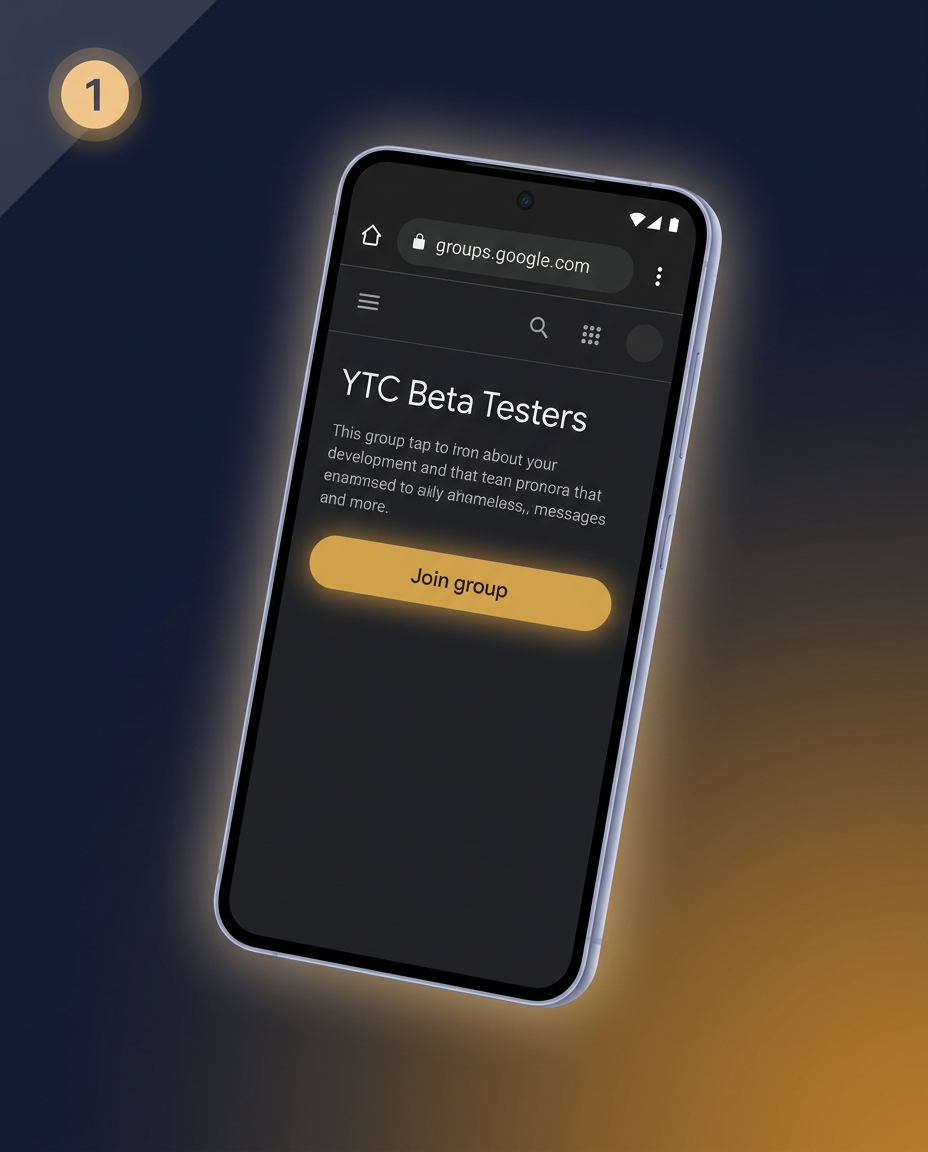
A phone showing the YTC Beta Testers Google Group page with a glowing Join group button
1

Join the tester Google Group

Tap the button below on your Android phone, sign in with the Google account that's on the phone, then tap Join group. This automatically adds you to the closed-tester list — no manual approval needed.

Open the Google Group → groups.google.com/g/ytc-beta-testers
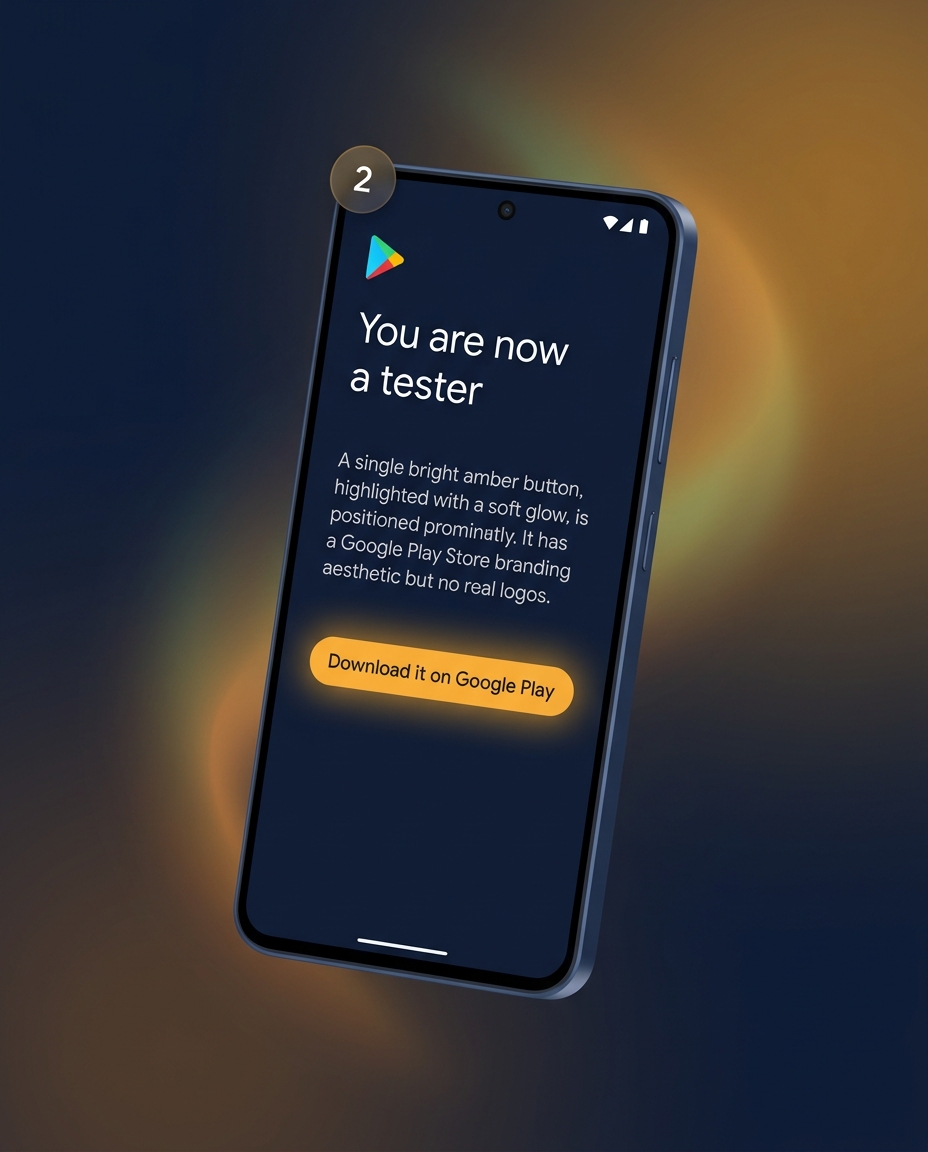
A phone showing the Google Play closed-tester opt-in page with a glowing Download button
2

Open the Play Store opt-in link

Open the next link on the same phone, same Google account. Tap Become a tester. You'll see a confirmation that you're now a tester. Wait 5–10 minutes after this — Google needs a moment to update its caches before the next step works.

Open the Play Store opt-in → play.google.com/apps/testing/com.yourtravelcompanion.app
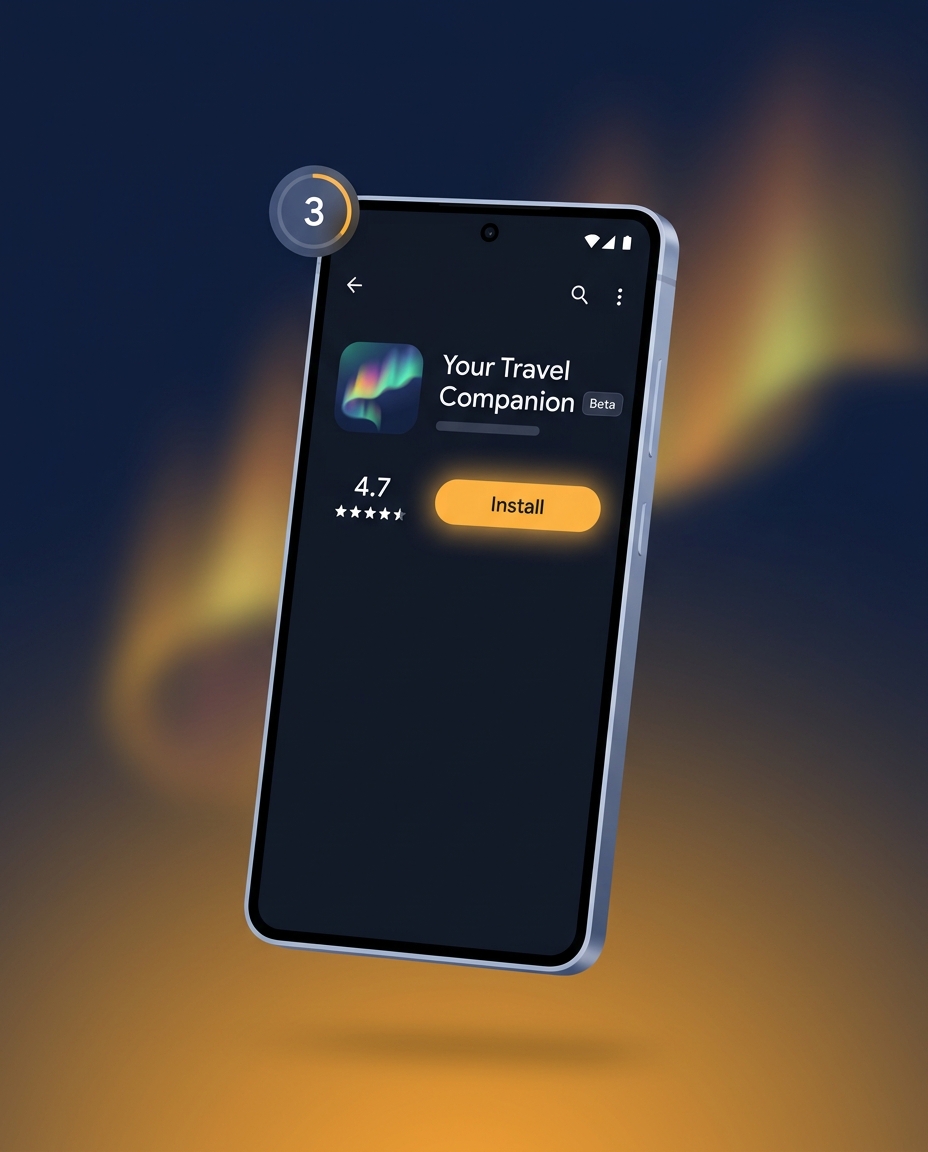
A phone showing the Your Travel Companion app listing in Google Play with the Install button
3

Install from the Play Store

Open the Google Play Store app, search for "Your Travel Companion", or tap the link below. You'll see a small Beta tag next to the app name. Tap Install — it downloads like any normal app.

Open the Play Store listing → play.google.com/store/apps/details?id=com.yourtravelcompanion.app
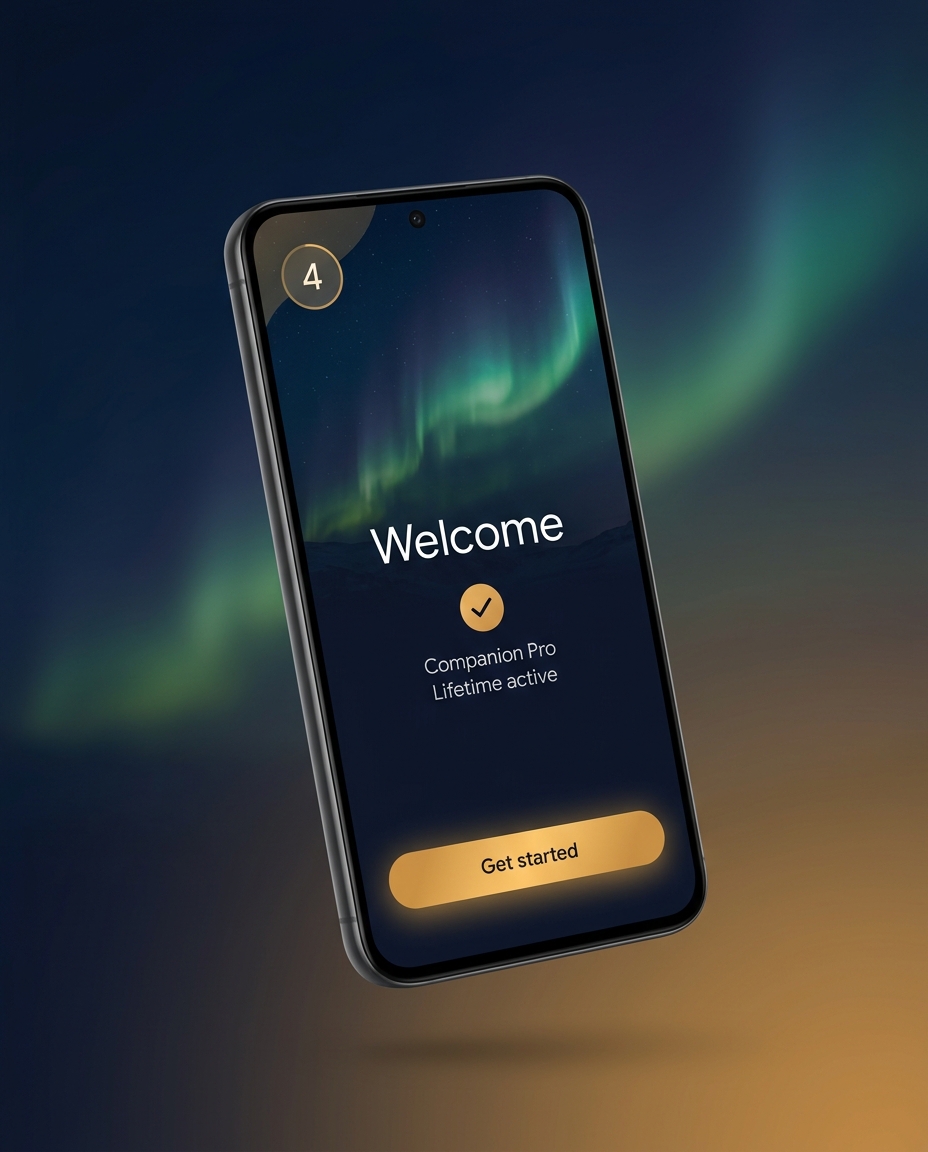
A phone showing the first-launch screen of Your Travel Companion with a Companion Pro Lifetime active badge
4

Open the app — you're in

Open Your Travel Companion. If you're one of the first 12 installs, the app will show "Companion Pro Lifetime active" on the first-launch screen. No promo code. No purchase prompt. Just tap Get started and you're a real beta tester.

What's expected of testers →

Stuck on a step?

The most common issue is forgetting to wait 5–10 minutes between Step 2 and Step 3 — Google's Play Store caches need to update before the closed-test listing appears. If you've waited and still can't see the app, drop us a line and a real human will reply within a few hours.

hello@yourtravelcompanion.app

On iPhone or desktop? The app is currently Android-only. Join the iOS waitlist →